

If you’ve ever had to design, debug, or validate shipping labels with ZPL, you already know this: not all viewers are created equal. Some crash when handling complex layouts. Others distort barcodes or misinterpret font commands. And some make you want to pull your hair out just trying to preview a simple label.
The truth is that the tool you choose can directly impact your workflow efficiency, your error rate, and even your printing costs. In 2025, the demand for reliable, browser-based solutions has exploded — and there are now dozens of online ZPL viewer options on the market. But which ones are actually worth your time?
I’ve tested them all (yes, all of them), and today I’ll show you the five best free online ZPL viewers available right now. Whether you’re a developer, warehouse manager, or SaaS builder, this guide will help you choose the perfect tool for your workflow.
1. Labelary – The Industry Classic
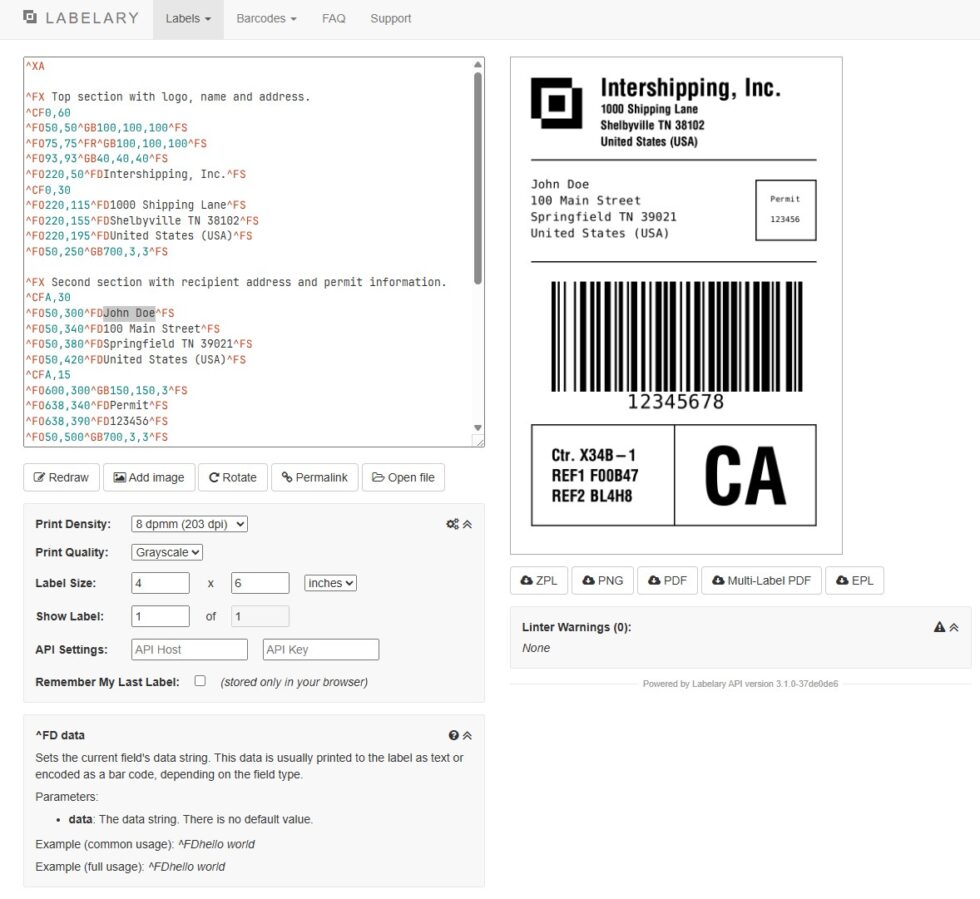
If there’s a household name in the ZPL world, it’s Labelary. This tool has been around for years — and for good reason. It’s simple, reliable, and widely used by both developers and enterprise-level operations.
What makes it great:
- Supports a wide range of ZPL commands, including advanced barcode formats
- Instantly previews your label without any installation
- Allows DPI, label size, and orientation adjustments
- Easy integration into automated pipelines via API
Where it falls short:
- Interface is basic and hasn’t changed much in years
- No built-in syntax validation or error detection
- Slower performance with large or complex label files
Best for: Developers who want a quick, reliable viewer without bells and whistles.
2. ZPLPreview – Modern, Fast, and Cloud-Native
If Labelary is the veteran, ZPLPreview is the rising star. This tool is built with modern web tech, and it shows. The interface is clean and intuitive, previews are lightning-fast, and it even catches common syntax mistakes before rendering.
What makes it great:
- Sleek UI with drag-and-drop support
- Built-in code syntax highlighting and validation
- Real-time preview updates as you edit
- Exports labels as PNG or PDF directly from the browser
Where it falls short:
- Limited documentation for developers
- Occasional rendering inconsistencies with older ZPL versions
Best for: Teams who need a modern cloud ZPL viewer with real-time editing features.
3. ZPLPDF – Best for Barcode-Heavy Workflows
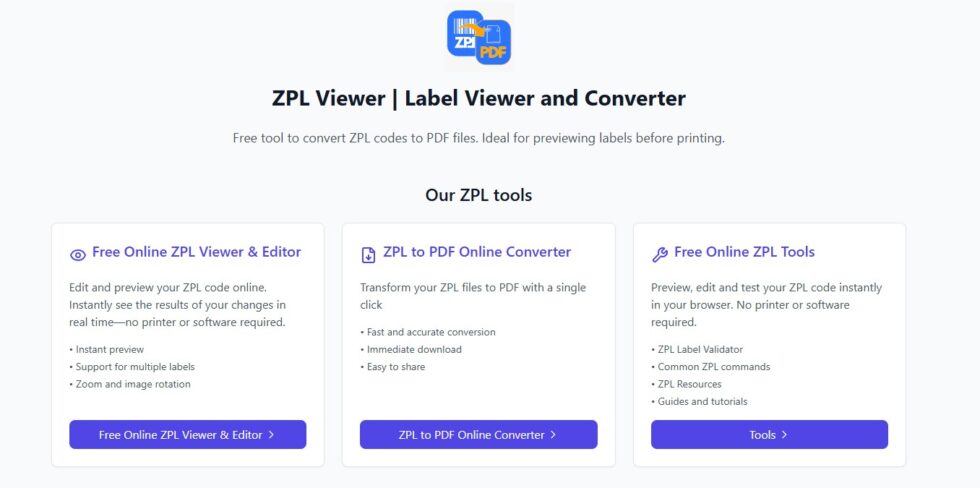
ZPLPDF specializes in one thing: rendering barcodes perfectly. If your workflow involves heavy barcode use — shipping, logistics, inventory control — this is the viewer you’ll want to keep open in a browser tab all day.
What makes it great:
- Exceptional barcode accuracy and scan reliability
- Converts ZPL directly into high-resolution PDFs
- Works well with batch label testing
- Preview quality closely matches Zebra printer output
Where it falls short:
- UI feels outdated and less intuitive
- Lacks advanced editing features
Best for: Logistics and e-commerce operations where barcode accuracy is mission-critical.
4. LabelZoom – Simplicity at Its Best
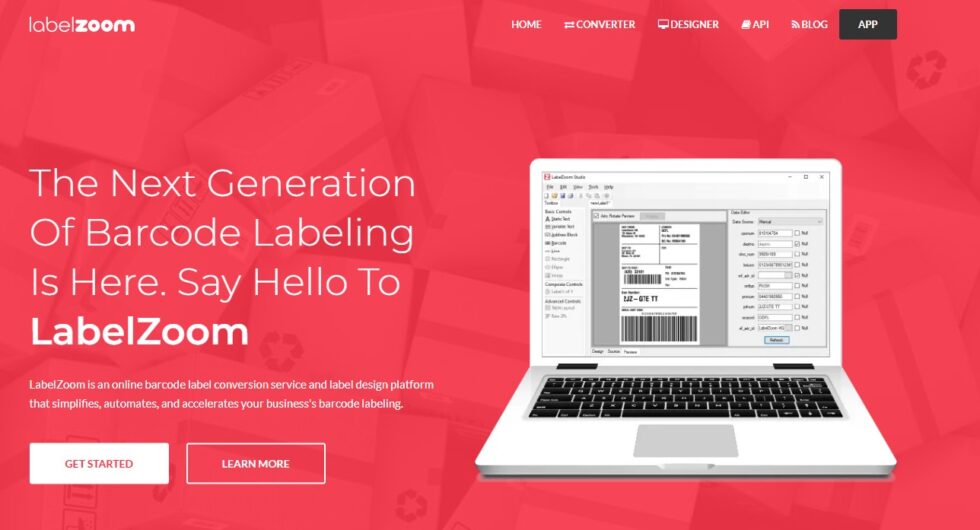
If you’re new to ZPL or just want a quick preview tool without a learning curve, LabelZoom is a solid choice. It’s extremely lightweight — paste your code, press “Preview,” and you’re done.
It won’t replace a full-featured development tool, but for basic label validation and quick checks, it’s hard to beat.
What makes it great:
- Ultra-simple interface that anyone can use
- No login, installation, or setup required
- Great for quick checks or demos
- Handles basic ZPL commands reliably
Where it falls short:
- Not suitable for complex layouts or dynamic templates
- No export or API integration options
Best for: Beginners or occasional users who need a zero-friction preview solution.
5. zpl.ai – The Developer-Friendly, Cloud ZPL Viewer
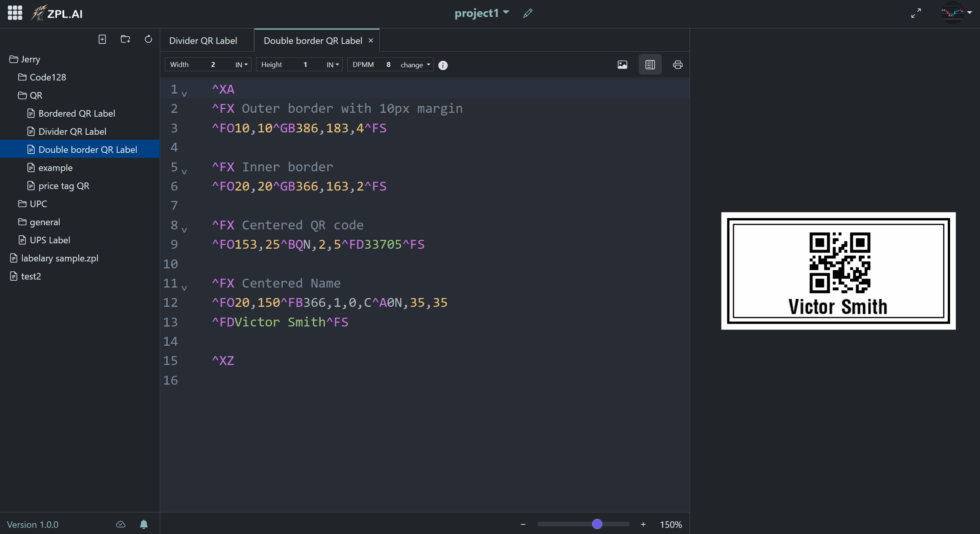
If you want a modern, cloud-native viewer that feels fast and thoughtfully designed, zpl.ai is a strong choice. It focuses on accuracy, a clean interface, and practical features for day-to-day label work.
What makes it great:
- Real-time rendering of ZPL I & II with accurate barcode and image output
- Intuitive browser UI: paste code or upload a .zpl file and preview instantly
- Practical controls for DPI, label width/height, margins, and orientation
- Helpful debugging experience to spot layout and command issues early
- Works smoothly with files produced by Labelary or Zebra tools
Where it falls short:
- Very advanced automation (batch pipelines, custom integrations) may require using your own scripts or API workflows alongside the viewer
- As with any cloud viewer, niche legacy commands may need adjustments before you get a perfect match to very old printer firmware
Best for: Teams who want a reliable, easy-to-use cloud ZPL viewer with accurate previews and a straightforward workflow for dev, QA, and operations.
(For a deeper technical explanation of how online visualization works, see our Online ZPL Viewer guide.)
Key Comparison Table
| Feature | Labelary | ZPLPreview | ZPLPDF | LabelZoom | zpl.ai (dev API include) |
| Syntax hints/validation | No | Yes | No | No | Helpful guidance |
| Real-time preview | Yes | Yes | Yes | Yes | Yes |
| Barcode accuracy | High | High | Very high | Medium | Very High |
| Export options (PNG/PDF)* | Limited | Yes | Yes | No | Yes* |
| DPI & size controls | Yes | Yes | Yes | Basic | Yes |
| Best for | Quick checks | Live editing | Barcode-heavy workflows | Beginners | Reliable, modern cloud viewer |
How to Choose the Best Online ZPL Viewer for You
Each tool has its strengths — and the right choice depends on your workflow:
- For daily development: Go with zpl.ai or ZPLPreview.
- For barcode-intensive operations: Choose ZPLPDF or zpl.ai.
- For quick validation: Labelary and LabelZoom or zpl.ai are unbeatable.
If you’re working in a larger team or building a SaaS product, consider integrating one of these tools into your automation pipeline. Many offer APIs or embeddable components that can drastically speed up testing and deployment.
For a deeper explanation of how these tools work under the hood, read our comprehensive Online ZPL Viewer guide — it breaks down the entire previewing process and shows you how to get the most out of your labeling setup.
Final Thoughts
A good online ZPL viewer isn’t just a convenience — it’s a critical part of a reliable, scalable labeling workflow. It can catch costly errors before they hit the printer, save hours of manual testing, and improve the quality and consistency of your labels.
Whether you’re looking for simplicity, speed, advanced debugging, or barcode precision, the tools on this list are the best free options available in 2025. Try a few, see which one fits your workflow, and start building better labels today — without wasting a single sheet of thermal paper.