Empowering Your
ZPL Code With AI

The Complete ZPL Label Platform Built to Help Businesses Design Smarter Labels, Automate Printing Workflows, Improve Collaboration, and Scale Label Operations with Confidence.

97%

Of ZPL.AI customers, say their experience is better than other label design tools.

15.4 Hours

Average time saved creating a ZPL label with ZPL.AI code editor.

700 Hours

Total average time saved per year by ZPL.AI clients and their employees.

Unleash the Power of Label Creation

ZPLAI Logo Dark

Build Better ZPL Labels, Faster

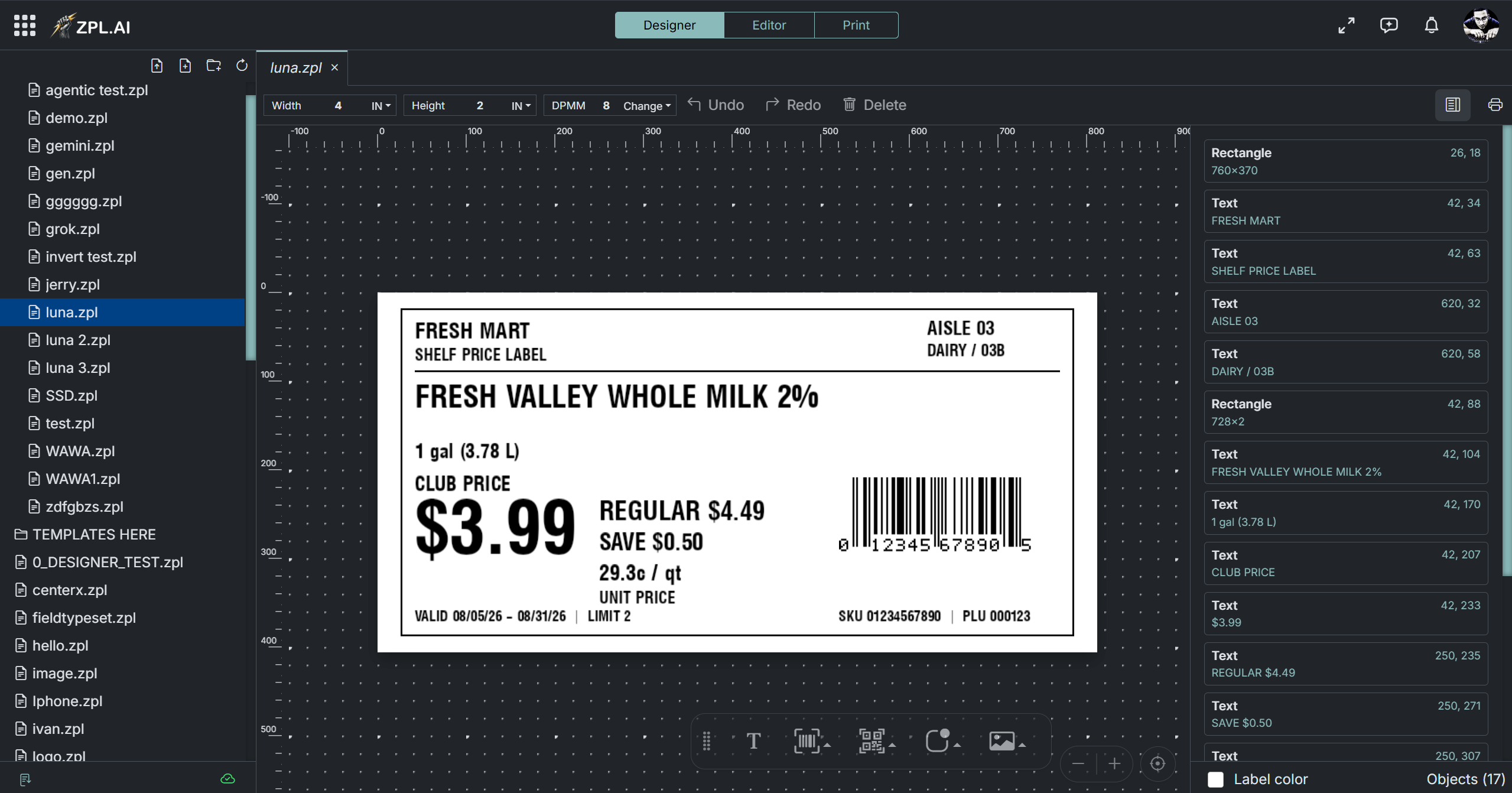
Design, preview, and export professional ZPL labels in minutes. ZPL.AI gives you a simple visual editor, real-time validation, and printer-ready code.
ZPLAI Logo Dark

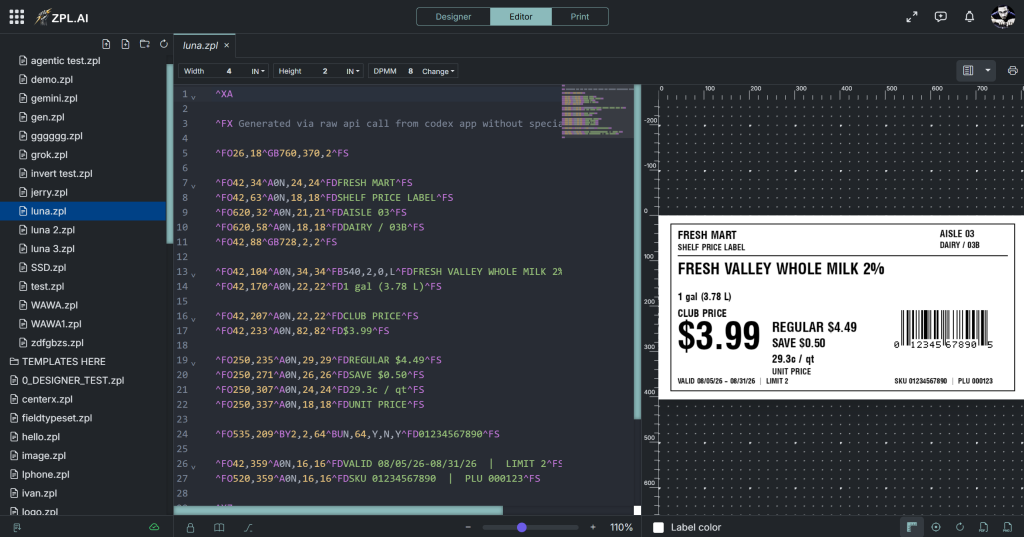
Create, Preview and Debug ZPL Labels Faster

Design and test production-ready ZPL labels with live preview, syntax checks and AI-assisted code generation.
ZPLAI Logo Dark

Automate Label Printing Across Your Business

Connect ZPL.AI to your ERP, WMS or custom software and generate labels from APIs, spreadsheets and production data.
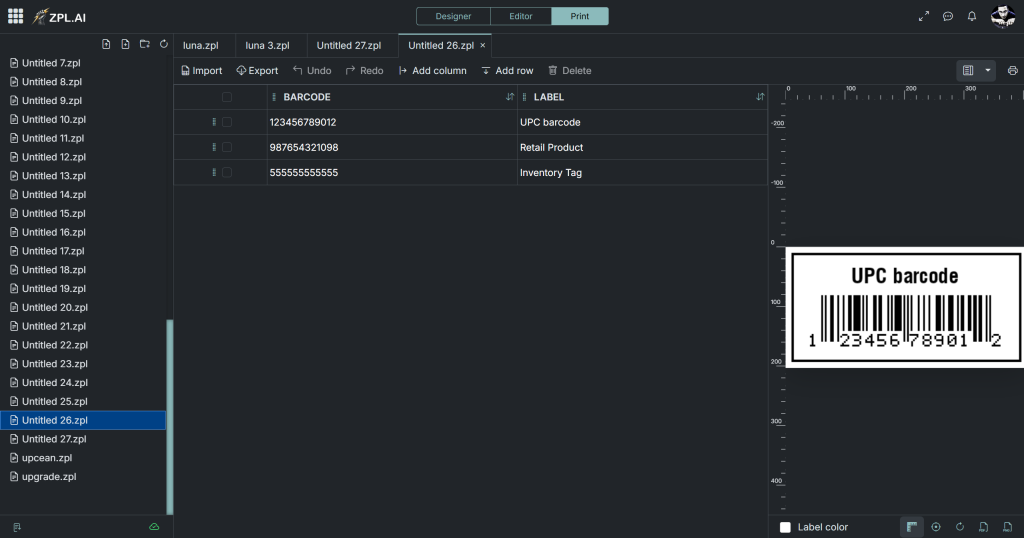
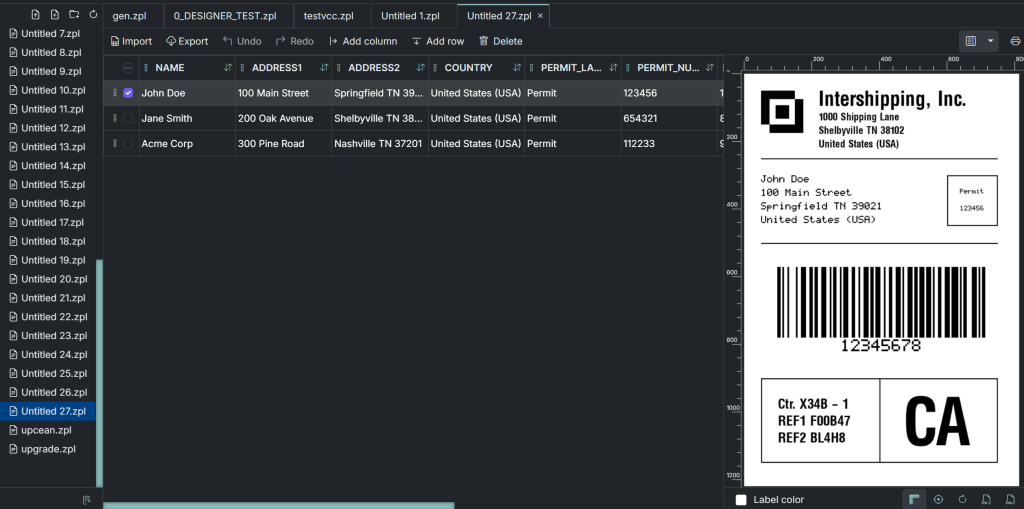
Templates to help you create, automate & print labels faster.

Build label workflows that fit your business.

Choose from reusable templates for shipping labels, product labels, barcode labels, and warehouse workflows. Customize in seconds, print with confidence.

Build labels that look like the best brands in the business

Choose from a huge library of flexible, conversion-focused templates to build stunning ZPL labels faster.
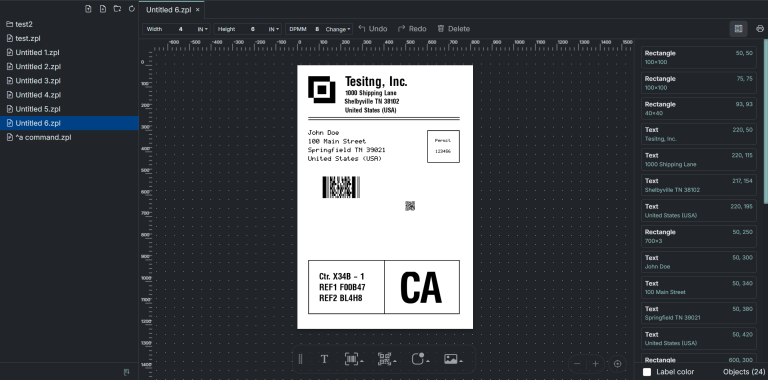
Smart Solutions for Efficient Label Creation

Pre-designed labels

Choose what you need, drag and drop it, and you’re ready to go.

Effortless design

No coding, no time spent on fixes. Just move your label to production and print it.

Better value

Get more features for your money than any other product on the market.

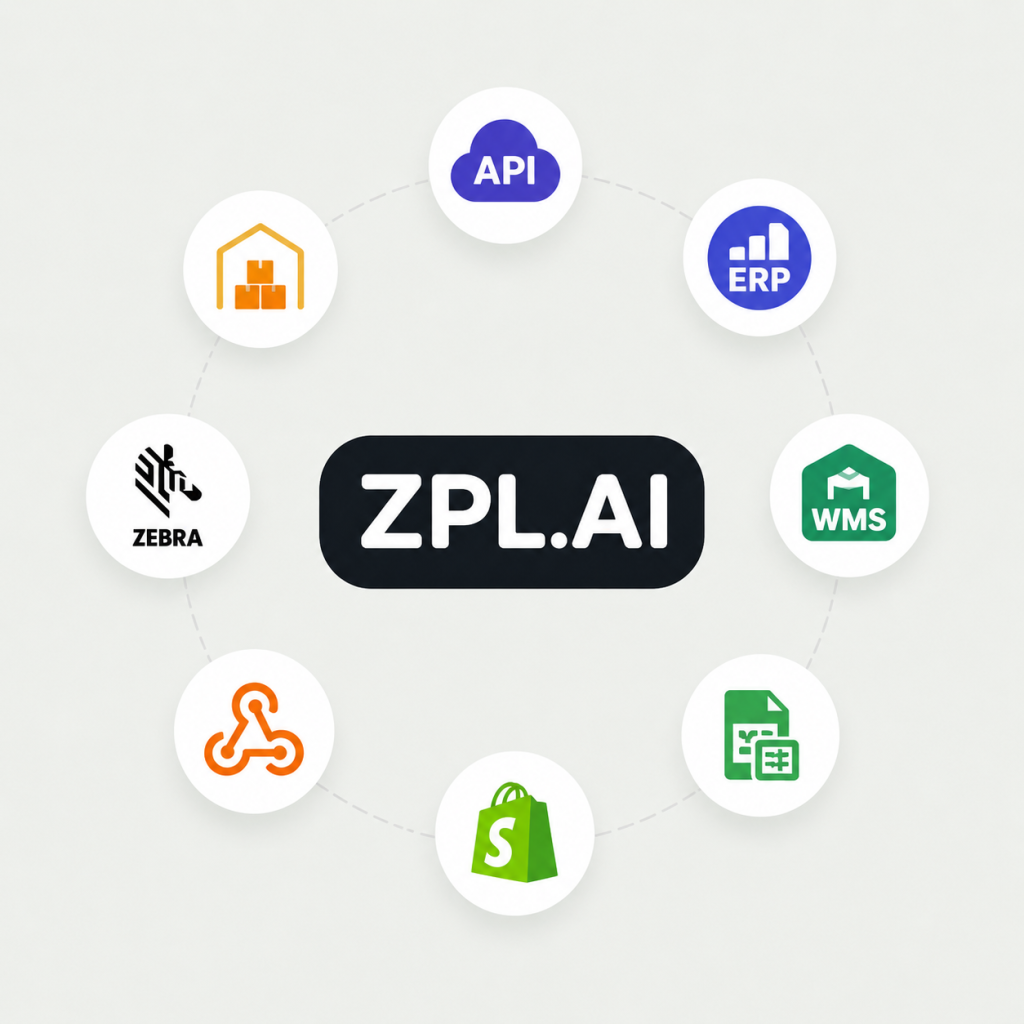
Powerful integrations to automate your label workflow, including ERP/WMS systems, APIs, Excel/CSV imports, eCommerce platforms, Zebra printers, webhooks, and more.

ZPL.AI is built for your workflow

For Manufacturers
For Businesses
For Developers
For Entrepreneurs

A powerfully simple app
that anyone can use.

Growing businesses around the world — from freelancers and startups to scale-ups and enterprises — use ZPL.AI to save time on design and make customers happy.

Startups

ZPL.AI helps startups streamline labeling by offering an intuitive interface, smart templates, and automation tools that scale with your growth. Focus on building your product, not formatting labels.
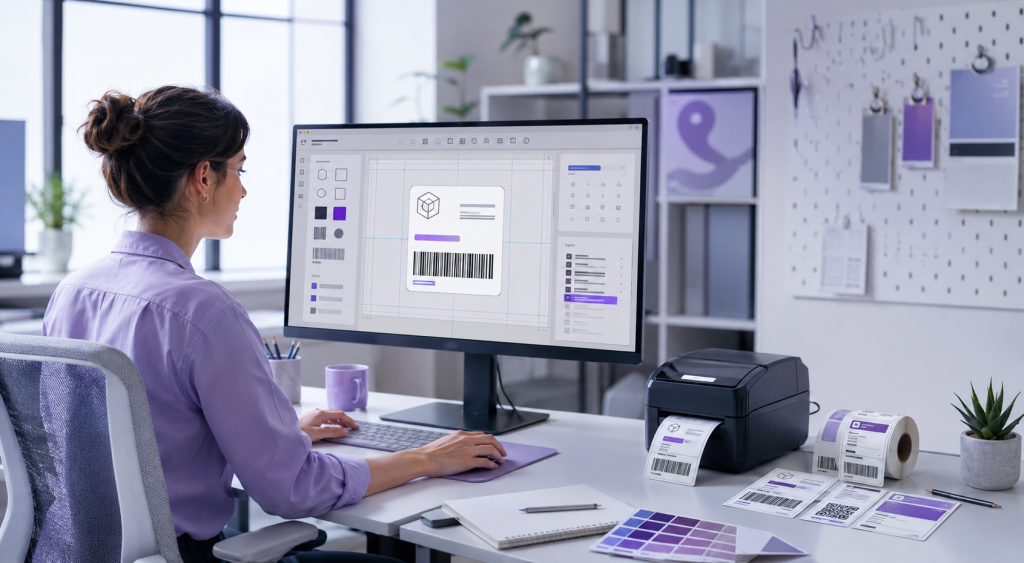
Designers

ZPL.AI gives designers an easy way to create professional labels without writing ZPL code. Design visually, preview changes instantly, and create reusable templates that look great on every label.

Developers

ZPL.AI helps developers create, test, and debug ZPL code faster. Use live previews, API integrations, reusable templates, and automation tools to add label generation directly to your applications.
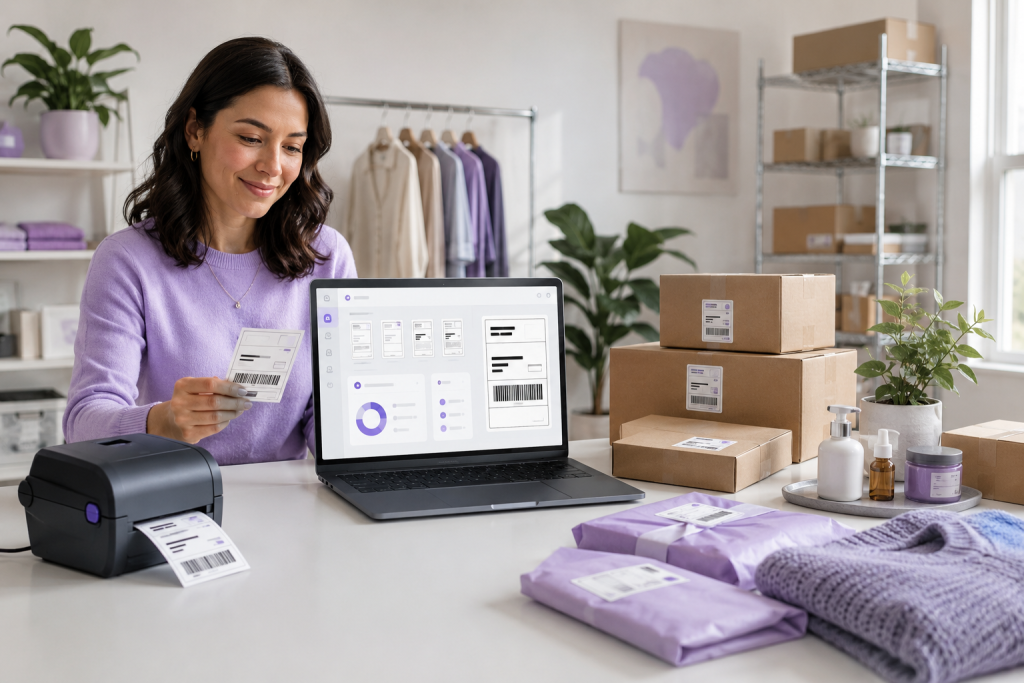
Business Owners

ZPL.AI makes it easy for business owners to create and manage labels without expensive software or specialized training. Save time, reduce printing errors, and keep your labeling process organized as your business grows.
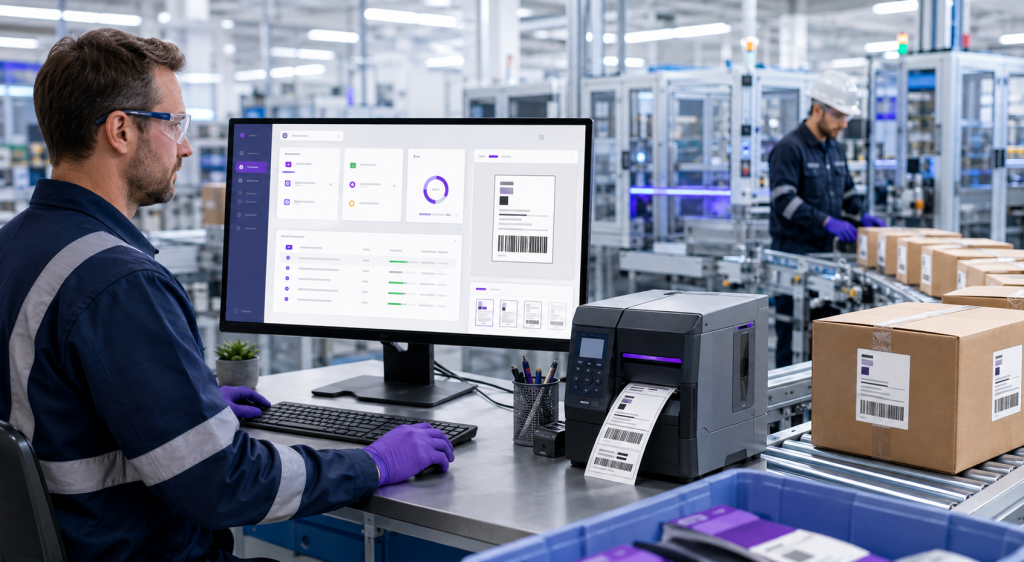
Manufacturers

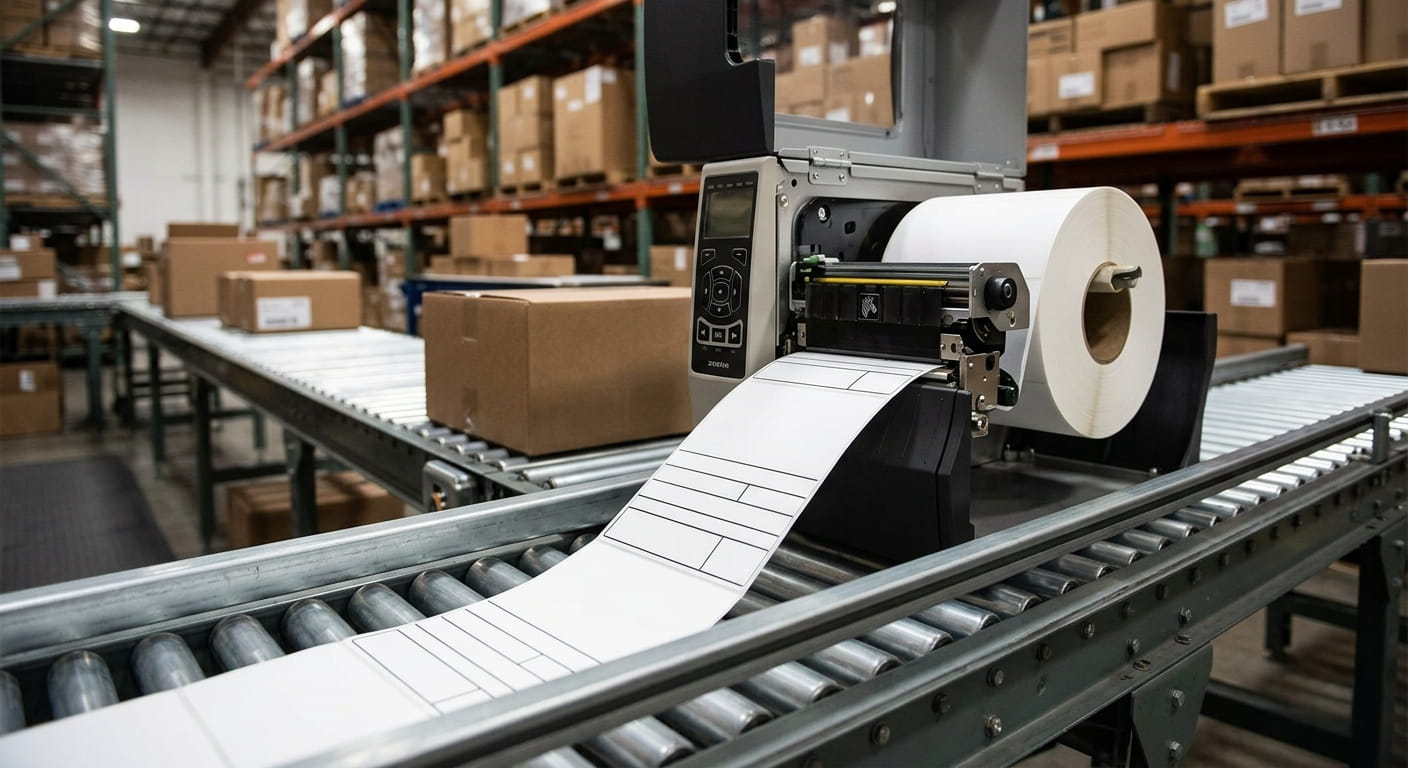
ZPL.AI helps manufacturers automate high-volume labeling and connect labels to existing ERP, WMS, and production systems. Generate accurate labels, manage templates, and keep your printing workflows running efficiently.
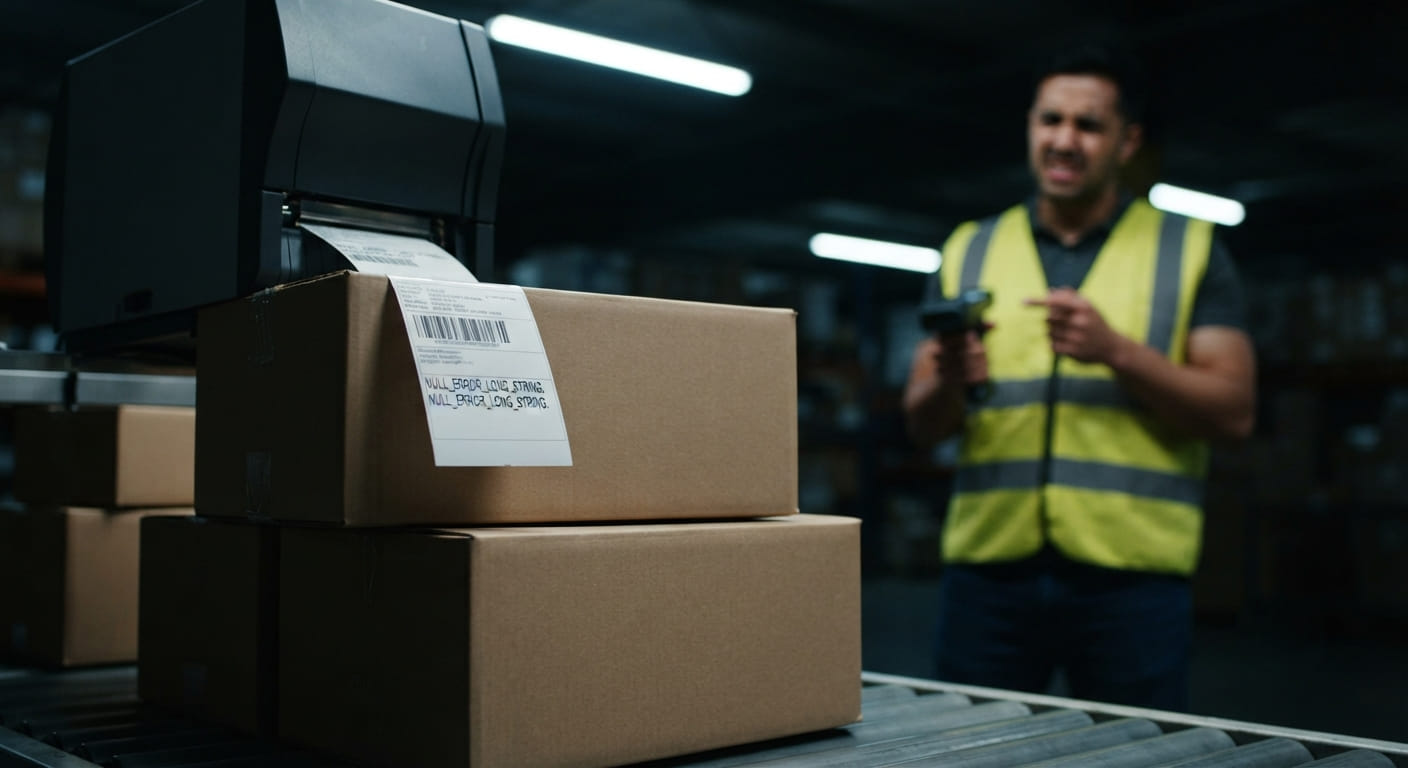
Helpful articles

Learn more about ZPL, label design, barcode printing, automation, integrations, and everything you need to build better labels.

FAQ

What is ZPL.AI?

ZPL.AI is a platform for creating, previewing, debugging, managing, and printing ZPL labels. It helps teams work faster with live previews, reusable templates, automation tools, and integrations.

ZPL.AI is built for developers, warehouse teams, manufacturers, logistics companies, retailers, and anyone who creates or prints ZPL labels.

No. You can create labels using our visual designer without writing ZPL code. Developers can also edit the ZPL code directly when they need more control.

Yes. ZPL.AI provides a live preview so you can see exactly how your label will look before sending it to the printer.

Yes. ZPL.AI can help identify errors in your ZPL code and make it easier to troubleshoot formatting, positioning, barcode, and printing issues.

Yes. You can save your labels as reusable templates and update the data without rebuilding the entire label.

Yes. ZPL.AI allows you to generate and print multiple labels at once using imported data or API integrations.

Yes. Our API allows you to generate, preview, and print labels directly from your applications and existing workflows.

Yes. ZPL.AI can integrate with ERP, WMS, inventory, shipping, and other business systems through our API and webhooks.

Yes. ZPL.AI is designed to generate ZPL that works with Zebra printers and other printers that support the ZPL language.

Yes. You can invite team members to create, manage, and print labels from the same workspace.

Yes. ZPL.AI supports QR codes and many common barcode formats, including Code 128, Code 39, UPC, EAN, and Data Matrix.

Yes. You can import Excel or CSV data and use it to generate multiple labels without entering the information manually.

Yes. You can use the API, integrations, and webhooks to automate label generation and printing based on events in your existing systems.

No. ZPL.AI includes tools for both technical and nontechnical users. You can use the visual designer or work directly with ZPL code.

Yes. ZPL.AI runs in your web browser, so you can create, edit, and preview labels without installing desktop design software.

Create an account, choose a template or start a new label, customize your design, preview it, and print or export the finished ZPL code.

Choose Your Plan

Start free or upgrade for unlimited labels, AI tools, and API access.

Basic

Free

Explore ZPL.AI and create basic labels.

  • Real-time ZPL editor
  • Instant label preview
  • Limited designer and exports
  • Personal use only
Start Free

Teams

$15/user/month

Collaboration and higher limits for business workflows.

  • Everything in Personal
  • Shared label templates
  • Team management and print logs
  • Higher API limits
Choose Teams