
If you work with Zebra labels, you’ve probably had the same moment: the label looks fine in code, then it prints slightly off, rotated, clipped, or with a barcode that won’t scan. A ZPL viewer is the fastest way to catch those problems before they become reprints, delays, and support tickets.
But “which ZPL viewer should we use?” isn’t a feature question. It’s a workflow question. The right choice depends on where labels are created, who reviews them, how sensitive the data is, and whether your environment allows cloud tools or requires offline control.
This guide breaks down the practical differences between online (cloud), desktop, and local tools—by scenario—so you can choose with confidence.
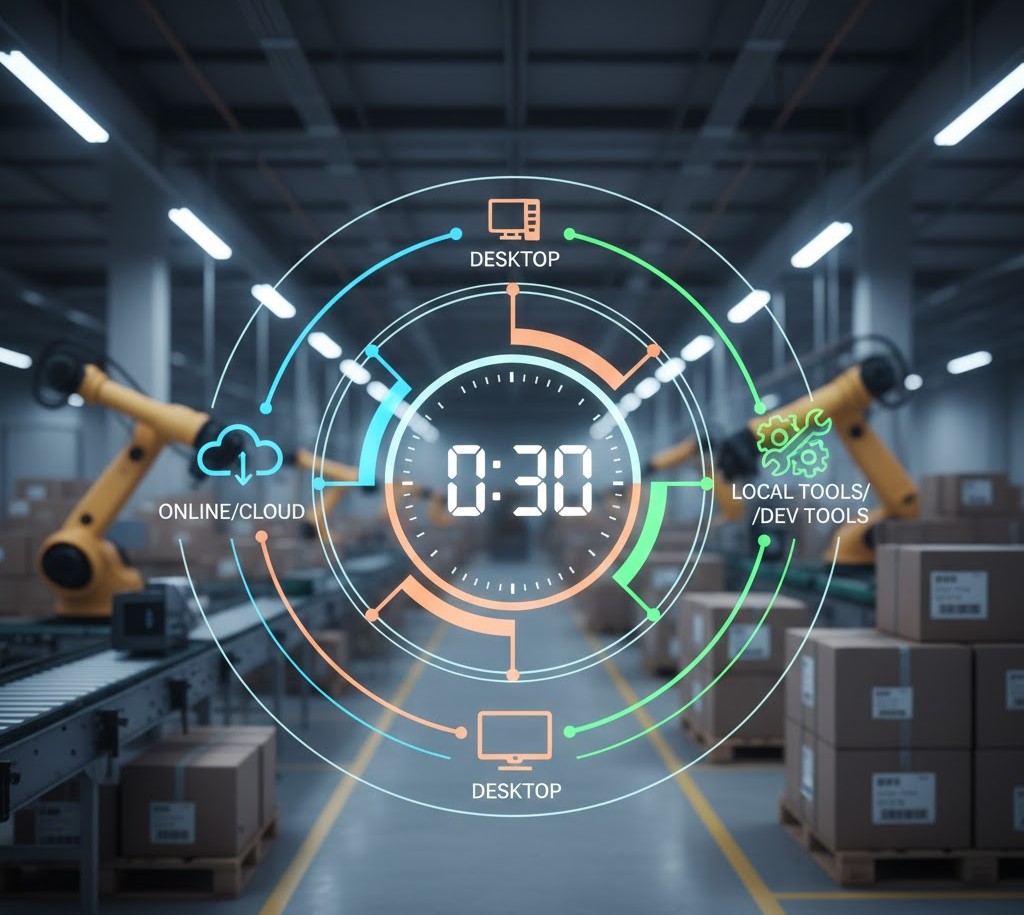
The 30-second decision
Choose an online/cloud viewer when you need speed, accessibility, and collaboration across machines or teams. Choose a desktop viewer when you need offline access, restricted networks, or predictable local performance. Choose local/dev tools when labels are mostly a developer concern and your goal is quick iteration inside an existing toolchain.
If you’re unsure, start with the scenarios below and match the tool type to your constraints before you compare products.
You’re debugging ZPL while coding
This is the most common case for developers: you’re iterating on a label, making small changes, and you need immediate visual feedback. The “best” viewer here is the one that reduces friction between edit → render → fix.
What matters most
Fast rendering from pasted code or files
Clear feedback when syntax breaks (so you don’t waste time guessing)
A reliable preview of layout, barcodes, and fonts—so you can trust what you see
Where tool type fits
Online/cloud viewers are often fastest to access (no install, open a browser, paste code). They also help when you’re switching machines or need to share a repro with someone else.
Desktop viewers can be excellent when your workflow is offline or you’re working in constrained environments, but installation and updates can add overhead.
Local tools (IDE plugins, scripts, CLI renderers) shine when you want previews “close to code,” but they can vary in accuracy and are harder to share across teams.
Common pitfall
Developers often validate “it renders” but forget “it prints correctly.” Rendering is necessary, not sufficient. You still need to sanity-check label size, orientation, margins, and barcode scannability.
A team reviews labels before printing or shipping
Once labels affect operations—warehouse, fulfillment, manufacturing, retail compliance—your viewer becomes a quality gate. The question changes from “Can I preview this?” to “Can we prevent costly mistakes?”
What matters most
Consistency (everyone sees the same output)
Fast review loops (catch errors before a print run)
A simple way to share the exact label state with the right people
Where tool type fits
Online/cloud tools are usually the best fit because they reduce the “works on my machine” problem. The label preview is accessible to developers, ops, and QA without installing anything.
Desktop tools can work, but the review process often turns into screenshot-sharing or exporting previews. That’s fine for small teams, but friction grows with volume.
Local tools are rarely ideal for non-developers. They’re powerful for building labels, but not great for cross-functional review.
Operational reality
Label errors scale quickly. One wrong dimension or misaligned element can affect hundreds or thousands of shipments. If your team is reviewing labels as part of a process, choose the tool type that makes review easy—not just rendering possible.
Security, privacy, and compliance are non-negotiable
If labels contain customer data, medical info, regulated product identifiers, or anything sensitive, your viewer choice must reflect your risk profile.
Start with a simple principle: don’t test with sensitive data first. Use sanitized samples until you’re confident in the workflow and policies.
A practical security checklist
Data handling: Can you avoid uploading sensitive data entirely by using sample labels for iteration?
Access control: Who needs access to view labels? Developers only, or ops/QA too?
Network restrictions: Does policy allow cloud tools, or is external upload blocked?
Audit needs: Do you need to document pre-print validation steps?
Where tool type fits
Desktop tools can be the safest path in restricted environments because they keep files local and reduce third-party exposure.
Online/cloud tools can still be viable if your organization permits them and you follow sensible practices (sanitized samples, least-privilege access, internal policy alignment). If your workflow needs easy sharing and consistent preview output, a secure cloud approach may be worth it.
If your priority is to reduce risk while still keeping iteration fast, start by using ZPL Viewer with non-sensitive sample labels to validate layout and logic, then adapt the workflow to your organization’s policies.
You need offline access or you’re in a restricted IT environment
Some environments are simply not cloud-friendly: production floors, locked-down corporate networks, or systems that must remain offline.
What matters most
Offline reliability
Installation and update control (IT-managed deployments)
Predictable performance on local hardware
Where tool type fits
Desktop viewers are usually the most practical choice here because they run without internet access and can be aligned with IT policies.
Online/cloud viewers are less viable if you cannot access external services or if uploads are prohibited.
Local tools can work for developers, but they may not be friendly for broader teams unless packaged carefully.
Trade-off to acknowledge
Offline control often reduces collaboration. If the label workflow involves multiple roles, you’ll need a clear “source of truth” for label versions and approvals—or the process will fracture.

You’re handling volume—many labels, many variations
High volume changes the decision. It’s not just “can I preview this label?” but “can I review dozens or hundreds of labels efficiently?”
What matters most
Batch review (multi-label files, generated variations)
Consistency of rendering across cases
A process for catching regressions when templates change
Where tool type fits
Online/cloud tools can be efficient for batch review because they’re accessible across roles and machines, which helps when many people touch the process.
Desktop tools can handle volume well on a single machine but can become hard to standardize across a team.
Local tools can be automated, which is great for CI pipelines, but you may still need a human-friendly viewer for review and sign-off.
Key insight
If you’re producing labels programmatically (templates, dynamic fields, multiple SKUs), your viewer must support your review process—not just your development loop.
How to decide: 5 criteria that matter more than “features”
Instead of comparing tool checklists, decide using these criteria. They map to real pain in label workflows.
- Security and data constraints
If external upload is restricted, that immediately narrows the tool types. Start with sanitized samples even when cloud is allowed. - Collaboration needs
If more than one person (or role) must review labels, prioritize accessibility and consistency. The best tool is the one the whole workflow can actually use. - Debug speed and accuracy
A viewer must be fast enough to keep iteration tight, but accurate enough that you trust the preview. - IT constraints and deployment
If you can’t install tools freely or your network is locked down, desktop and managed deployments will matter more than convenience. - Volume and regression risk
If label output changes frequently, you need a workflow that supports repeatable review and catches issues early.
If your top criteria are accessibility, collaboration, and fast iteration, an online ZPL viewer is often the most practical baseline—especially when you pair it with a simple rule: preview and validate before printing, even when the code “looks right.”
Final sanity check: 3 signals you chose the right ZPL viewer
You’re spending less time printing test labels because visual issues are caught earlier
Developers and ops can speak about the same label output without screenshots and guesswork
Changes to templates cause fewer surprises because review is consistent and repeatable
A ZPL viewer isn’t just a convenience tool. In a real label workflow, it’s one of the simplest ways to prevent avoidable errors and protect shipping velocity.