
Most ZPL integration problems don’t surface during development. They surface at 2 a.m. on a Tuesday when the warehouse floor is running at full capacity and labels are coming out wrong, or not coming out at all. By that point, the developer who built the integration has moved on to the next project, and the person dealing with the failure is an operations supervisor with no access to the underlying code.
That’s not an edge case. It’s the standard failure mode of ZPL integrations built without accounting for production conditions.
Building a ZPL printing workflow that holds up in production isn’t primarily about cleaner ZPL syntax. It’s about understanding where each stage introduces a failure point and designing for that from the start, not patching it after the first incident.
The short answer, before the detail: A ZPL integration workflow has five load-bearing stages: code generation, syntax validation, printer configuration, production testing, and failure handling. Most implementations cover the first two reasonably well. The last three are where integrations fail.
What “Integration” Actually Means in a ZPL Context
The word gets used loosely. In practice, a ZPL integration workflow is the full path from data source to printed label: how ZPL code gets generated, how it gets validated, how it reaches the printer, and what happens when any part of that chain breaks under real-world conditions.
That last qualifier matters more than it sounds. An integration that works in a controlled test environment printing a single label to a known printer model on clean media is not the same integration that will perform reliably when it’s handling variable-length product descriptions, three label stock sizes, and a mixed fleet of printers running different firmware versions. The gap between those two scenarios is where most ZPL integration failures actually live.
Stage One: Code Generation Separating Template Logic from Variable Data
How ZPL code is generated determines how much flexibility the integration has downstream. There are two common approaches: static templates with field substitution, and dynamic generation where the full ZPL string is assembled programmatically at print time.
Static templates are predictable and easier to validate consistently. The ZPL structure stays fixed; only the variable fields change. The risk is that variable data doesn’t behave like test data. A product description field that’s always been 20 characters in development can legitimately run to 60 in production, and a ZPL template with a fixed ^FD block won’t truncate gracefully it’ll overflow into adjacent elements or clip silently.
Dynamic generation gives more flexibility but trades predictability for complexity. The ZPL string assembled at runtime needs the same validation rigor as a static template, applied to every possible combination of input data. Teams that build dynamic ZPL generation without systematic validation are usually the ones debugging label output on the warehouse floor six months later.
Neither approach is wrong. The choice depends on how variable the data is and how much control the team has over input ranges. What doesn’t change is that template logic and variable data need to stay cleanly separated, with explicit handling for edge cases not just the nominal path.
Stage Two: Syntax Validation Before the Print Command
Running syntax validation before sending ZPL to a printer is the step most integrations nominally have but often implement shallowly. Checking that the ZPL string is syntactically valid is not the same as checking that it will produce the intended output.
Useful pre-print validation covers more than command syntax. It needs to account for whether field elements will render within the label boundaries at the target DPI, whether barcode data meets the minimum and maximum character lengths for the symbology in use, and whether any required fields are empty or malformed. A ZPL string that passes a basic syntax check can still produce a label with a barcode that won’t scan, text that prints outside the label area, or a missing field that was expected from a data source that returned null.
The practical approach: validate against the actual label dimensions and the actual DPI of the target printer class, not a generic baseline. If the integration serves multiple printer models, validation needs to account for the lowest-capability model in the fleet, not the best one.
Stage Three: Printer Configuration Is Part of Your Workflow, Not a Setup Step
A solid ZPL integration workflow is often treated purely as a software problem. Printer configuration gets treated as infrastructure a one-time setup that happens before development starts and doesn’t need to be managed as part of the workflow itself. That assumption is where a significant portion of production failures originate.
A ZPL string that produces correct output on a 300 dpi printer doesn’t automatically produce the same output on a 203 dpi model. Media type and darkness settings affect how barcodes print and whether they scan reliably. Firmware versions across a fleet can affect how specific ZPL commands are interpreted ^BY, ^BCO, and barcode ratio settings behave differently across firmware releases, and a fleet that hasn’t been updated uniformly will produce inconsistent output even with identical ZPL input.
These aren’t theoretical edge cases. They’re the actual source of the “it works on my machine” class of ZPL problems in production deployments. Printer configuration variables that need to be part of the integration design not assumed to be constant include DPI per printer model or class, media type and size per use case, and darkness settings that interact with barcode element sizing.
Stage Four: Testing Under Real Print Conditions
A viewer renders what the ZPL code is supposed to produce. It doesn’t reproduce what a specific printer, with specific media, under specific configuration, will actually produce.
Worth making explicit before continuing: the gap between viewer output and printer output is not a viewer defect. It’s a structural limitation of any rendering tool that doesn’t have direct access to the printer’s hardware state, media characteristics, and firmware behavior. That gap is real and it needs to be part of how testing is designed not discovered in production.
Before a ZPL integration goes live, the test protocol needs to include: printing with the actual data ranges that production will generate (not just representative sample data), using the actual printer models and media stock that will be in use, and validating barcode readability with a scanner, not just visual inspection. A barcode that looks correct in a viewer and looks correct printed can still fail to scan if the quiet zones are insufficient or the bar width ratio isn’t within tolerance for the scanner hardware in use.
Testing with one roll of label stock on one printer is also not enough. Media quality can vary between rolls, and the interaction between label stock and printer darkness settings affects print consistency over a run. Testing a single label and calling the integration validated is how compliance failures reach the shipping dock.
Stage Five: Building for Failure, Not Just for the Ideal Path
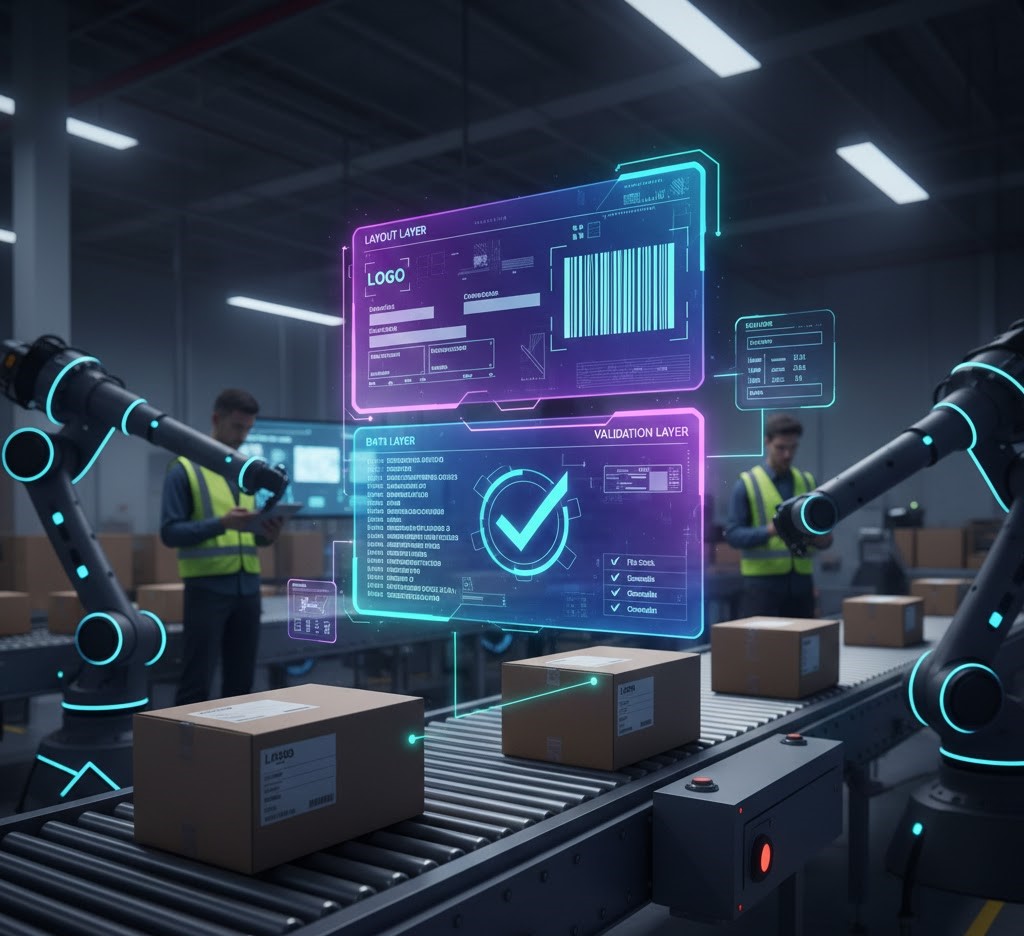
Building a reliable ZPL label builder workflow means accounting for what happens when something breaks not just designing for the path where everything works.
Print jobs can fail silently. A ZPL string sent to a printer that’s out of media, offline, or in an error state doesn’t always generate a visible failure upstream. Depending on how the integration is built, failed jobs can drop without triggering an alert, leaving operations staff to discover the problem when product ships with missing labels or when a downstream scan fails.
Reliable ZPL integrations include explicit confirmation that the print job was received and processed, alerting when a job fails or times out, and a documented recovery path that operations staff can execute. That last point is often skipped: the recovery path should be accessible to the people who will actually be dealing with failures during a shift, not just the developers who built the system.
For teams building or auditing this part of the workflow, the ZPL validation checklist covers the specific validation points that need to be in place before a workflow moves from testing to full production deployment.
What to Check Before Calling the Workflow Stable
Before signing off on a ZPL integration workflow as production-ready, there’s one combination that almost never gets tested: maximum-length variable fields, the lowest-DPI printer model in the fleet, and non-ideal media stock. That combination exposes what the integration actually handles under stress, and it’s almost never the configuration used in initial testing. If the workflow hasn’t been validated against that scenario, it hasn’t been fully validated.