
Most ZPL label issues don’t start with bad code. They start with a template built against one set of data that gets deployed to a production environment where the data looks nothing like what was used during development. The syntax is fine. The logic is fine. The problem is that the template was never tested against the actual range of values it would need to handle and field substitution is exactly where that gap shows up first.
Variable data in ZPL label templates works cleanly until it doesn’t. The point where it stops working cleanly is almost always the same: when the data coming in from the live feed is longer, more complex, or encoded differently than the data used during development. By then, the template is already in production, and the people who notice first are usually not the developers.
The mistake that looks like a working template
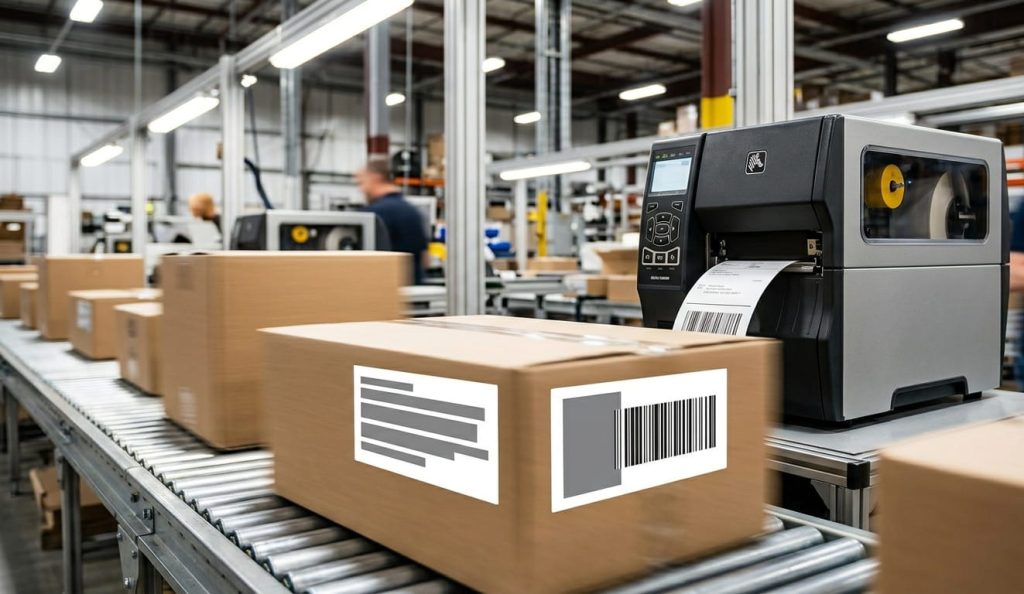
Field substitution in ZPL replaces static field data with variable values at print time. The mechanism is straightforward. What makes it unreliable in production isn’t the mechanism it’s the assumptions around it.
The most common one is this: a developer builds a template, tests it with a handful of representative values, confirms the output looks correct in a viewer, and ships it. The viewer renders what the code describes. It doesn’t simulate what happens when a 94-character product name hits a field configured for 40 characters, or when a lot number contains a special character that the printer’s active encoding handles differently than the development environment did.
ZPL doesn’t surface these failures at the code level. There’s no error message when field data overflows. The printer clips the data, wraps it, or drops it depending on how the field was configured and what the printer’s defaults are and the label ships. In a high-volume fulfillment operation, labels with truncated lot numbers or cut-off product descriptions can move through the line undetected until a downstream system or a compliance check catches them. At that point, tracing the issue back to a field length assumption made during template development is not a fast process.
Where field substitution actually breaks
There are a few specific failure patterns that appear consistently in production environments. They’re worth knowing individually because each one has a different root cause and a different fix.
Overflow without warning. When variable data exceeds the field’s allocated display area and no field block limit has been set, the printer handles the overflow based on its own configuration. Some printer models clip at the field boundary. Others allow text to run into adjacent fields. Neither behavior is guaranteed to be consistent across a fleet with mixed firmware versions. The fix is explicit: use ^FB to define a field block with a maximum width and line count for every text field that receives variable data. That way the overflow behavior is defined by the template, not by the printer.
Encoding mismatch on special characters. Data coming from an ERP or WMS system often includes characters outside the basic ASCII range accented characters in product names, special characters in lot codes, or encoding artifacts introduced when data moves between systems. If the template doesn’t explicitly set the character encoding with ^CI, the printer uses whatever is configured as its default. That default is not always the same across a fleet, and it’s rarely verified during template development. The result is labels where certain characters render incorrectly or get dropped a failure that tends to be intermittent enough to make it hard to reproduce in a test environment.
Variable-length barcodes with fixed quiet zones. Barcode elements in ZPL have position and size parameters that assume a certain amount of data. A Code 128 barcode encodes the actual data length into the bar pattern longer data produces a physically wider barcode. If the template positions other elements based on the assumption that the barcode will always be a certain width, variable-length data will cause elements to overlap or push outside the label boundary. This is a structural issue in how the template was designed, not a syntax error, and it won’t show up in a viewer unless the viewer is rendering with the actual data values that cause the problem.
Font scaling at different DPI. This one compounds the others. A font size that leaves enough space for a 40-character field at 203 dpi may not leave the same space at 300 dpi because font metrics scale with print density. Templates tested on one resolution class and deployed to another will have field spacing that was never validated for the actual hardware.
ZPL label templates workflow built without accounting for these failure modes will produce correct output most of the time often enough to pass initial testing and fail in ways that are difficult to diagnose once they’re in a production environment at scale.
What to do before the data gets to the printer
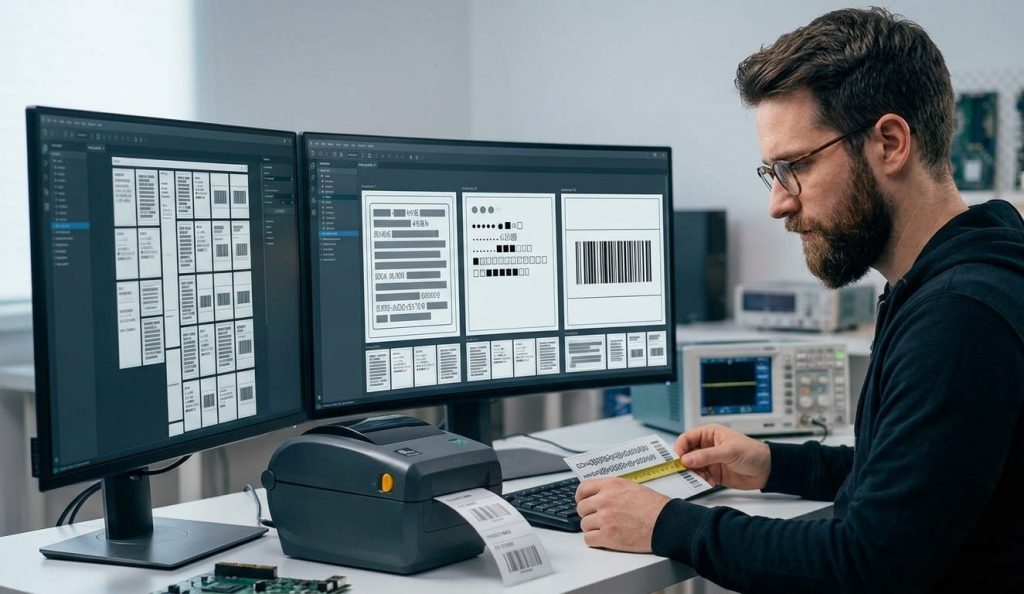
The core problem with field substitution failures is that they’re data-dependent. A template can be syntactically correct and structurally sound for the test data set while being fragile against the actual production data set. Closing that gap requires testing against real data, not representative data.
Before any template goes into production, the field substitution test should include the longest value in the actual data set for each variable field not an estimated maximum, the actual longest value currently in the system. It should include values with special characters if the data source can produce them. It should include edge cases: empty fields, null values, values with leading or trailing spaces, values that contain characters in different encoding ranges.
A useful way to think about it: if you can’t describe exactly what the template will produce when it receives the ten most unusual values in your data set, the template hasn’t been tested. It’s been sampled.
For teams managing templates across multiple printer models, the version of the test that matters most is the one run on the lowest-resolution printer in the fleet, with the longest field values, and with character encoding explicitly verified against the data source. That combination exposes the majority of substitution failures before they reach production.
ZPL syntax checker tools with AI-assisted analysis can identify structural issues in field configuration missing field block definitions, encoding commands that may conflict with the data source, positioning logic that doesn’t account for variable data length. That’s a meaningful layer of validation before physical testing. It doesn’t replace testing with real data on real hardware, but it catches the category of issues that are visible in the code before the template ever reaches a printer.
Before deploying to a multi-printer production environment, it’s worth reviewing how your viewer tool handles variable data rendering the differences between online, desktop, and local tools in how they simulate output are covered in ZPL viewer online vs desktop vs local tools: how to choose for your workflow.
Three signals your field substitution setup has a problem
If the template is already in production, these are the indicators that a field substitution issue is active and hasn’t been caught yet.
Labels with truncated text appearing intermittently not on every print run, but on specific SKUs or lot numbers almost always trace back to a field length assumption that holds for most data and fails for a subset. The intermittent pattern is what makes it easy to attribute to a printer calibration issue instead of a template structure issue.
Encoding problems that appear on labels from specific printers but not others, with the same data, point to a character encoding mismatch between the template and the printer’s active configuration. The template is working as designed. The design didn’t account for printer configuration variance.
Barcodes that scan correctly in the test environment but fail on specific label runs in production, with no obvious print quality issue, are often a variable-length data problem. The barcode is rendering wider than the template was designed to accommodate, and the quiet zone is being compromised.
Any of these patterns in a production environment is a signal to go back to the template structure, not the printer settings. The printer is usually doing exactly what it was told. The problem is what it was told.