
In 30 seconds: ZPL field substitution works reliably when the template’s field constraints match the actual range of incoming data not the sample data used during development. Most variable-data failures trace back to a field length, character set, or data type assumption that held true in testing and didn’t hold true three months into production.
The Gap Between Test Data and Catalog Reality
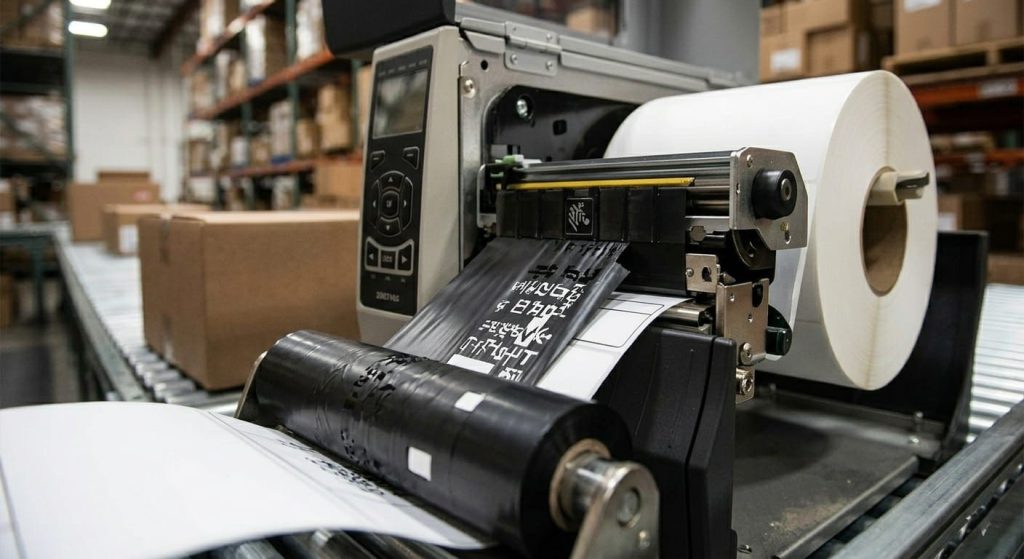
Templates get built and validated against a handful of representative records. A product name, a SKU, a price. Those records are picked because they’re convenient, not because they represent the full distribution of what the catalog will eventually contain. The 40-character product name used in testing doesn’t account for the 95-character name that shows up when a new product line gets added eighteen months later.
This is the single most common cause of field substitution failures, and it rarely shows up immediately. It shows up gradually, as more of the catalog’s actual variability gets exercised over time.
Field Length and the ^FB Command
The ^FB command defines a text field block with a maximum width, and ZPL’s default behavior when content exceeds that width is to wrap or truncate depending on how the field is configured. Wrapping changes the vertical layout of the label which can push other fields out of position if the template wasn’t built to accommodate variable height. Truncation cuts the content silently, with no error returned to the print job.
Neither failure mode announces itself at the point of printing. The label looks complete. It’s only wrong in a way you’d notice if you read it carefully, or if a downstream process a picker, a scanner, a customer flags the mismatch.
Character Sets and Encoding Assumptions
A second, less obvious failure point is character encoding. ZPL’s default character set handling assumes a fairly narrow range of characters. Product names or customer data containing accented characters, non-Latin scripts, or certain special characters can render incorrectly sometimes as the wrong glyph, sometimes as a blank space depending on which ^CI encoding command the template specifies, or doesn’t specify at all.
Operations that source product data internationally run into this more often than operations with a single domestic supplier base. If your catalog includes any non-ASCII characters at all, the encoding command isn’t optional. It needs to be explicit in the template, and it needs to be tested with the actual character ranges your data contains.
Numeric Fields That Aren’t Always Numeric
A SKU field that’s numeric 99% of the time is, for ZPL’s purposes, not a numeric field. It’s a string field that happens to usually contain digits. Templates that assume strict numeric formatting fixed-width zero-padding, for instance will misformat the rare alphanumeric SKU, and that misformatted label often won’t get caught until a scanner rejects it at the dock.
The fix isn’t complicated: treat any field as a string unless the source system enforces strict numeric typing at the database level, not just by convention.
Where Field Substitution Actually Breaks
Most teams discover these failure points reactively, after a batch has already printed and a percentage of labels turn out wrong. The more reliable approach is testing the template against a data sample that deliberately includes edge cases: the longest plausible field value, any non-ASCII characters present in the actual catalog, and any field where the data type is assumed rather than enforced.
ZPL validation tools that check syntax against actual data ranges rather than a single test record catch these issues before a batch ships, which is meaningfully different from catching them after a customer service ticket comes in about a mislabeled shipment.
Testing Templates Against Real Data Distributions

The most useful test set isn’t randomly generated. It’s pulled from the actual catalog or order data, filtered for the extremes: the longest description, the SKU with the most unusual format, the customer name with diacritics. If a template handles those correctly, it will handle the median cases without issue. Testing only the median cases tells you almost nothing about how the template behaves under real conditions.
For teams building templates with frequently changing variable fields, a ZPL template builder that supports field-level validation rules makes this kind of edge-case testing part of the build process instead of a separate QA step that gets skipped under deadline pressure.
For context on choosing between viewer environments when testing these templates, see the comparison at ZPL viewer online vs. desktop vs. local tools — the right testing environment depends on whether you need to validate against live printer output or just structural correctness.
Where This Goes Wrong in Production
The recurring pattern across most field substitution failures in production is the same: the template was correct for the data it was tested with, and the data it eventually received didn’t match those assumptions. Catalogs grow. Customer data gets messier. New suppliers send fields in formats nobody anticipated. A template built today against today’s data will eventually meet data it wasn’t built for.
The practical takeaway is to revisit field constraints whenever there’s a meaningful change upstream a new product category, a new data source, a new market with different character requirements rather than treating the template as a one-time build. The templates that hold up over time are the ones that get re-validated against new data, not the ones built most carefully the first time.