
Automating a ZPL label workflow sounds like a straightforward improvement. You remove the manual steps, the system handles the generation, the labels come out without someone having to touch a template every time. The logic is clean.
What actually happens when teams scale that workflow is usually more complicated. Not because automation is a bad idea, but because the problems that were manageable at low volume become structural problems at high volume, and they surface in ways that are harder to trace than a one-off label error caught before it ships.
The question isn’t whether to automate. For any operation running significant label volume, manual generation at scale isn’t viable. The question is what the automation is actually doing, what it’s assuming about the environment it’s running in, and whether those assumptions hold when the conditions change.
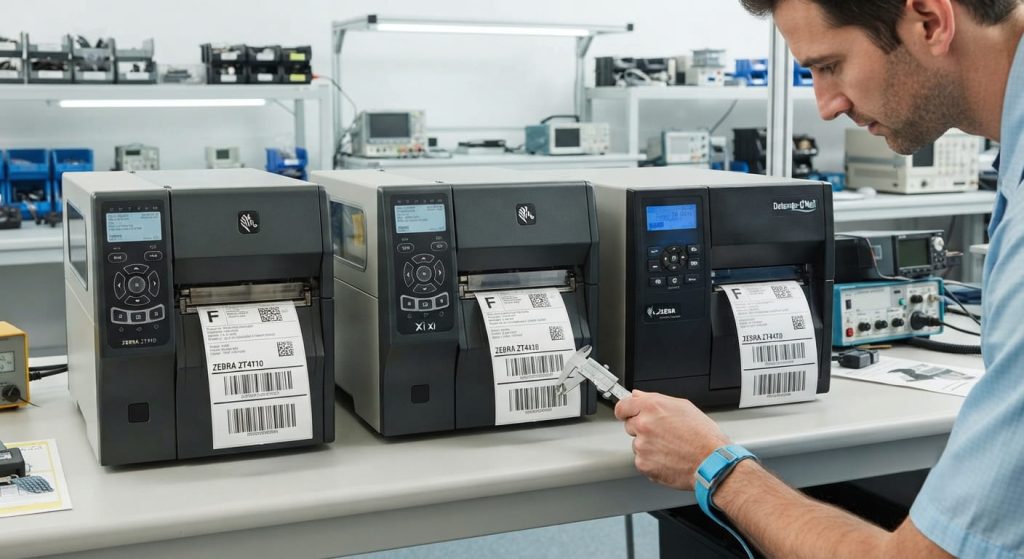
What “Automation” Covers and What It Doesn’t
Automating a ZPL workflow typically means one or more of these things: generating ZPL code programmatically from a data source rather than editing templates manually, routing print jobs to the right printer based on job type or location without manual selection, or triggering the print workflow from a business event rather than a user action.
Each of those is a different layer of automation with different failure modes. A system that auto-generates ZPL from a data feed but still routes jobs manually has one set of risks. A fully automated end-to-end workflow where a WMS event triggers generation, routing, and print confirmation without any human touchpoint has a different set.
The common failure is treating these layers as interchangeable. Teams automate generation, call the workflow “automated,” and discover six months later that the routing layer is still a patchwork of manual workarounds that someone on the operations team is maintaining in a spreadsheet.
When Scaling Makes Existing Problems Harder to Ignore
Low-volume label workflows have a natural error detection mechanism: the person running the labels sees what comes out of the printer. Not ideal as a quality control strategy, but it catches a lot of problems before they cause downstream issues.
When you scale, that mechanism disappears. Labels get generated and printed without anyone in the loop between the data source and the output. The first signal that something is wrong is often an error at the receiving end, a failed scan, a compliance rejection, or a customer complaint about incorrect label data. By that point, the same bad template or bad data mapping has been producing incorrect output across a run that might be in the thousands.
The errors that surface at scale are usually not new errors. They’re errors that existed at low volume but weren’t causing enough visible damage to get addressed. A product description field that occasionally runs long. A barcode element that prints fine on the primary printer model but is slightly off on the secondary one. A required field that sometimes returns null from the ERP but the operator was manually catching and correcting. At scale, all of those are no longer occasional problems. They’re systematic.
When Automation Adds Risk Instead of Removing It
For teams considering whether their ZPL workflow automation is ready to scale, the honest assessment starts with a specific question: what is the automation assuming is constant that might not actually be constant?
The three most common assumptions that break at scale are these.
First: that the data coming from the source system is consistently clean and within the field ranges the template was designed for. In a low-volume context, exceptions get caught manually. In an automated workflow at scale, an ERP that starts sending longer-than-expected strings or null values in required fields needs to be handled at the generation layer, not discovered at the print output.
Second: that the printer fleet is homogeneous enough that one set of template parameters works across all devices. A mixed fleet running different DPI configurations, different media stocks, or different firmware versions produces different output from identical ZPL input. The template that’s right for the primary printer may not be right for the secondary one in a different warehouse zone.
Third: that print job failures will be visible. At low volume, a failed print job is noticed because the label doesn’t appear. In an automated workflow at scale, a printer in an error state or a job that drops silently due to a network timeout can generate no output and no alert, while the system logs it as sent.
If Your Volume Is Under a Few Hundred Labels Per Day
The automation priority at this scale is usually generation, not routing. Template management is manageable manually or semi-manually, and the overhead of full routing automation may not justify the implementation cost.
What matters here is getting the generation layer right before adding more automation on top of it. Clean template structure, validated field inputs, explicit handling for edge cases in the data. If this layer is producing clean, consistent output, adding routing automation later is a straightforward extension. If this layer has unresolved assumptions baked in, adding routing automation multiplies the failure surface.
If You’re Running Multiple Printer Models Across Locations
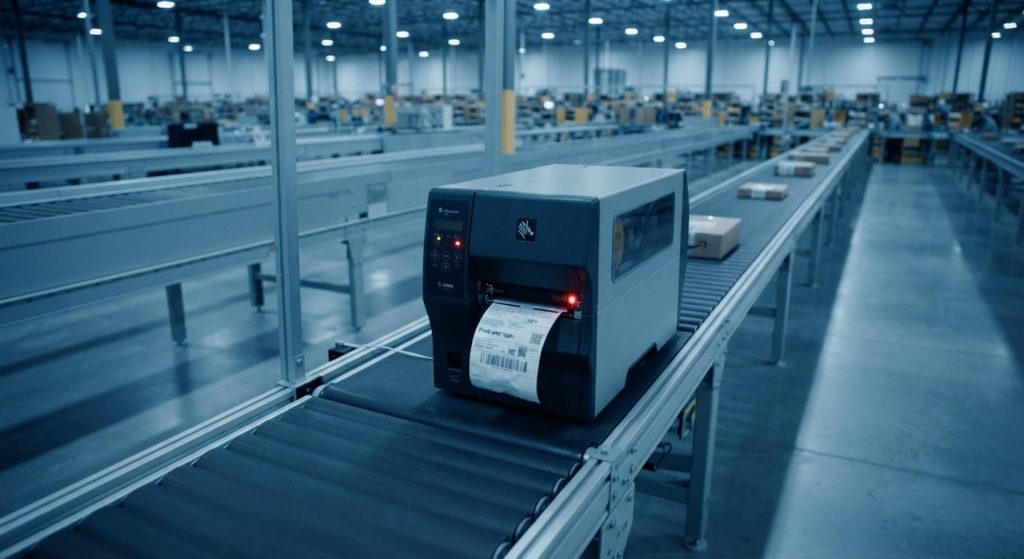
This is where the viewer choice matters more than teams typically account for when planning automation. A viewer that renders ZPL without accounting for device-specific behavior will validate output against a generic rendering baseline, not against the actual behavior of the printer models in the fleet. At scale, that gap is material.
The tool layer needs to be able to validate ZPL output against the parameters of the actual devices it will print to, and the automation layer needs to know which device class each job is targeting before generation, not just at routing time. If the template for a 203 dpi printer and the template for a 300 dpi printer are being generated from the same base template without device-class differentiation, the automation is producing correctlooking output that may be printing incorrectly on half the fleet.
For the detailed breakdown of how viewer tool capabilities affect this decision, the ZPL viewer tool comparison covers what to look for when evaluating which tool layer fits a scaled workflow.
What the Tool Layer Has to Cover
At scale, the tool layer sitting between data source and printer isn’t optional infrastructure. It’s the part of the workflow doing the work that humans were doing at low volume: catching errors before output, flagging data that doesn’t fit the template, confirming that the job completed.
A ZPL syntax checker integrated into the generation layer has a different role at scale than it does at low volume. At low volume, it catches syntax errors and obvious rendering issues. At scale, it needs to be running against real input data ranges, real printer configurations, and real edge cases. Validating against a nominal test string is not the same as validating against the actual distribution of data the production system will send through.
Worth being direct about one thing: syntax checking alone is not sufficient validation at scale. A ZPL string can be syntactically correct and produce a barcode that fails to scan at the density required by the receiving facility’s scanner hardware. Validation needs to cover the full output, not just the input structure.
What to Look at Before Deciding the Workflow Is Ready
Two or three signals that a ZPL workflow is genuinely ready to scale: the generation layer has been tested with the actual range of input data from the source system, including edge cases and exceptions. The tool layer validates against the parameters of the actual printer fleet, not a single reference device. And there’s an explicit failure path, not just a success path, with alerts that reach the people who need to act on them.
If any of those three aren’t in place, adding volume to the workflow doesn’t make it more efficient. It makes the existing gaps harder to recover from.